Everything a roofing, plumbing, HVAC, or general contracting company needs to know before building — or rebuilding — their website.
If you run a contracting business — whether you're aroofing contractor in Dallas, alicensed plumber in Chicago, or anHVAC company serving the greater Phoenix area— your website is the single most important marketing asset you own. It's open 24 hours a day, it answers questions while you're on a job site, and it either wins you leads or sends them to your competitor.
And the first decision that shapes all of that?Which platform you build on.
In 2026, that conversation almost always starts with WordPress. But is it the right choice for acontractor website? What about Wix, Squarespace, Webflow, or a custom-coded site? We're going to settle this — clearly, honestly, and with real data.
Why your contractor website matters more than ever
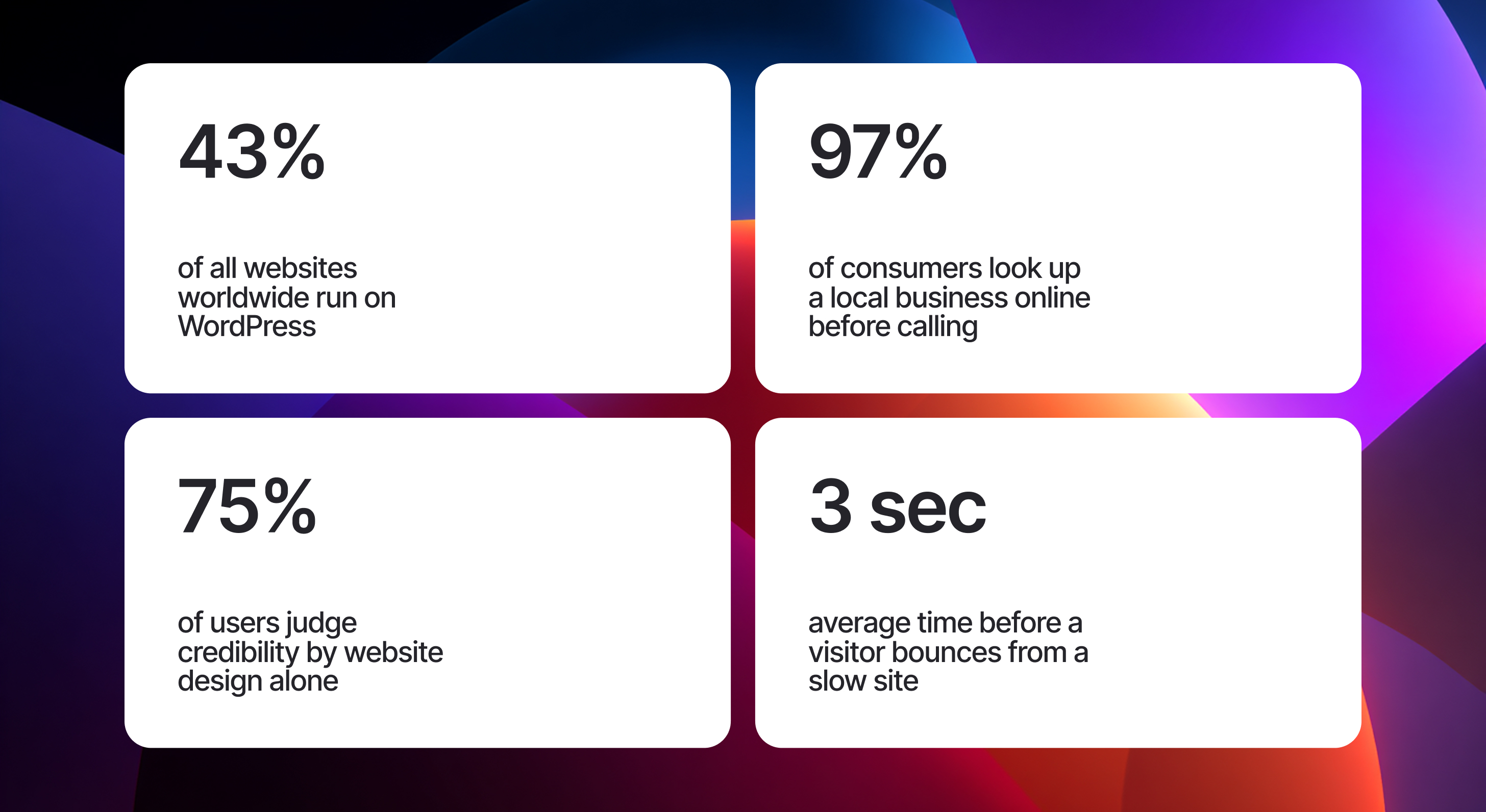
Before we get into WordPress specifically, let's establish something: the stakes have never been higher forlocal contractor websites. Google's local search algorithm now weighs your website's quality as a ranking signal forGoogle Business Profilevisibility. That means a poorly built site doesn't just lose you direct traffic — it hurts your map pack ranking, yourlocal SEOperformance, and your ability to compete for searches like"plumber near me"or"best roofing contractor in [city]".
Your website needs to do several jobs simultaneously: convert visitors into leads, load fast on mobile, rank in local search, build trust with homeowners and commercial clients, and reflect the professionalism of your crew. That's a tall order. The platform you choose determines how well you can accomplish all of it.
The pros of WordPress for contractor websites
Let's start with why WordPress has dominated the contractor website space — and why that dominance is largely deserved.
1. Unmatched SEO control for local service businesses
WordPress gives you granular control over every SEO element that matters forlocal contractor SEO: title tags, meta descriptions, header structure, schema markup, URL slugs, canonical tags, and sitemaps. Pair it withYoast SEOorRank Math, and you have professional-grade tools for optimizing service pages around keywords like"emergency electrician Houston"or"foundation repair contractor Denver".
This matters enormously for contractors, becauselocal search intent is hyper-specific. Someone searching for a"licensed general contractor San Antonio"is ready to hire. WordPress lets you build tightly targeted landing pages for every service and every city you serve — something template-based builders simply cannot match at scale.
2. Complete design flexibility and branding
Your contracting brand — your colors, your logo, your photography, your tone — all of it can be expressed precisely in WordPress. With page builders likeElementor,Divi, orBricks Builder, a skilled developer can build acontractor website designthat genuinely looks custom and professional, not like a $29/month template everyone else in your area is also using.
3. Scalability as your contracting business grows
Starting as a solo electrician and growing into a 20-truck operation? WordPress scales with you. You can add newservice area pages, expand your blog forcontractor content marketing, integrate an estimating tool, add a careers page, or build out a fullcommercial contractor websitesection — all without rebuilding from scratch.
4. Rich plugin ecosystem for contractor-specific features
WordPress's plugin ecosystem is unrivaled. For contractors specifically, this means access to:
- Quote and estimate request forms (Gravity Forms, WPForms)
- Appointment scheduling and booking integrations
- Review management plugins tied to Google Business Profile
- Live chat and click-to-call integrations
- Portfolio and project gallery tools
- CRM integrations (HubSpot, Salesforce, JobNimbus)
5. You own everything
WordPress is open-source. Your website files, your database, your content — it's all yours. You can move hosts, change agencies, hand the site to a developer in-house, or migrate platforms entirely without losing your work. For a contracting business that's invested years intolocal SEOand content, this ownership is genuinely priceless.
6. Long-term cost efficiency
Yes, WordPress has higher upfront costs when done right. But over three to five years, a well-built WordPress site — sitting on a quality host at $30–80/month — typically costs far less than an equivalent Webflow or Squarespace subscription with comparable features. And the performance of a well-optimized WordPress site onCore Web Vitalscan rival any platform on the market.
We switched our roofing company from Wix to WordPress two years ago. Within six months our organic leads doubled. The local SEO control is night and day — we now rank in the map pack for 14 different cities.— Owner, regional roofing contractor (Midwest, 12 trucks)
We switched our roofing company from Wix to WordPress two years ago. Within six months our organic leads doubled. The local SEO control is night and day — we now rank in the map pack for 14 different cities.
The cons of WordPress — and why they don't have to be your problem
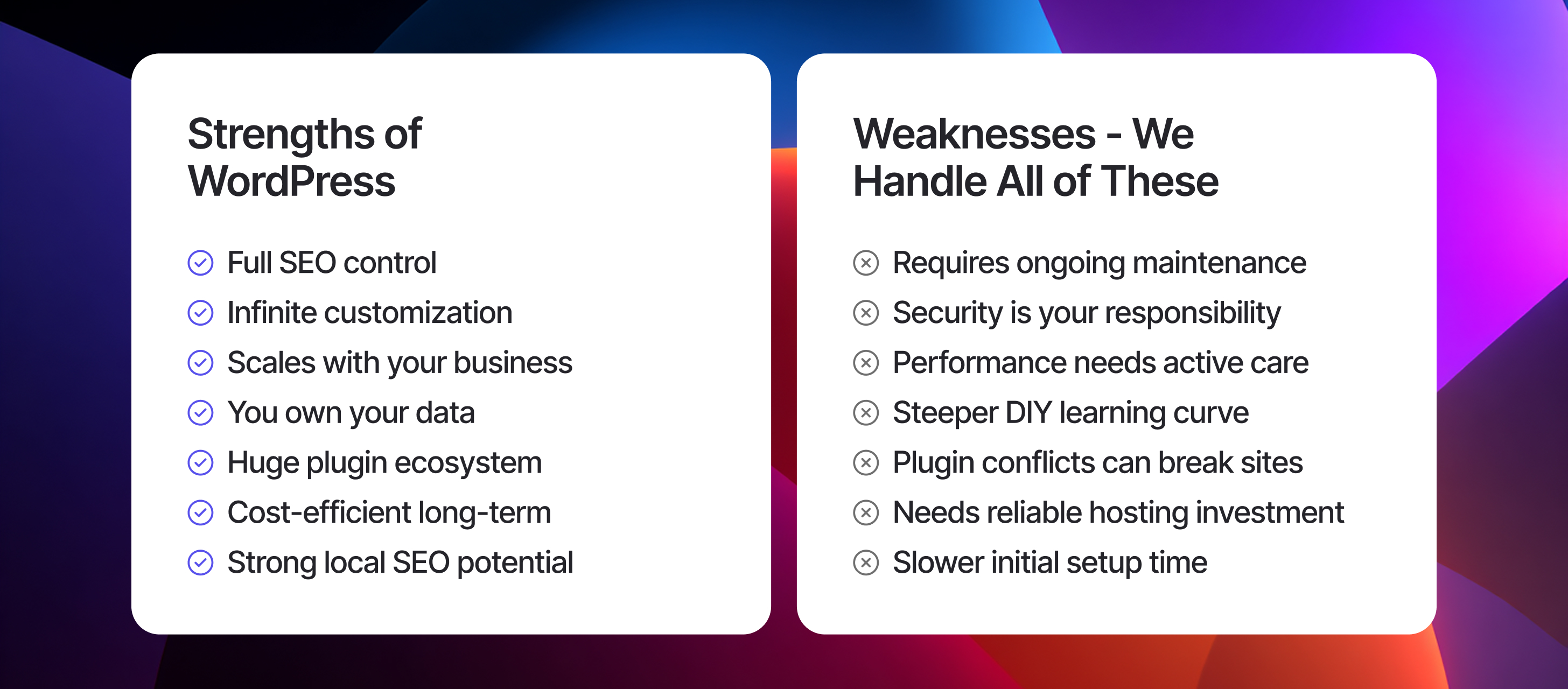
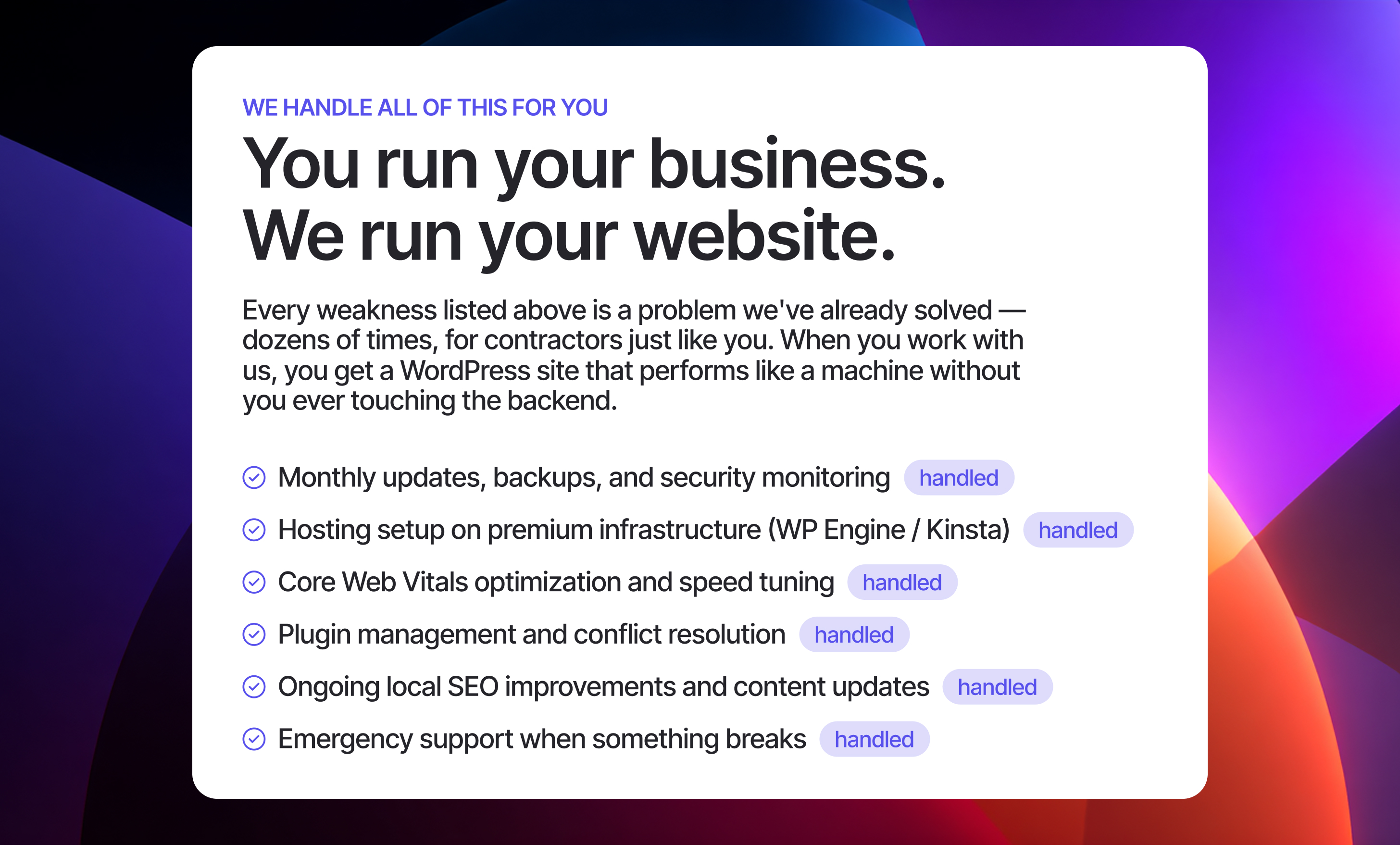
We're not going to sell you something without being straight with you. WordPress has real drawbacks. But here's the thing: every single one of them is a technical challenge, not a business challenge. And technical challenges are exactly what a good agency handles for you.
Maintenance is non-negotiable
WordPress needs regular updates — core, plugins, themes. An outdated WordPress install is a hacked WordPress install. For acontractor business websitethat generates real revenue, ignoring maintenance is like ignoring your truck's oil changes. It works fine until it catastrophically doesn't.
Performance requires expertise
Out of the box, WordPress isn't fast. Speed requires the right host (WP Engine, Kinsta, Cloudways), a caching plugin (WP Rocket, LiteSpeed Cache), image optimization, and a CDN. Done properly, the result is excellent. Done poorly, yourcontractor websiteloads in 6 seconds and you lose every mobile visitor before they see your phone number.
Not truly DIY-friendly
WordPress makes a lot of promises about being easy to use. For a contractor who already runs a full crew, manages bids, handles clients, and shows up on job sites — learning to maintain a CMS is the last thing you need on your plate. Every hour you spend troubleshooting a plugin is an hour you're not billing.
What about other platforms?
Wixis the most common "before" platform we see when contractors come to us. Fast to set up, looks acceptable — but its local SEO ceiling is low. You can't properly structure service area pages, schema markup is limited, URL control is restricted, and Wix sites consistently underperform WordPress in competitive local search markets. For a contractor trying to rank for"HVAC repair [city name]"against established competitors, Wix is bringing a butter knife to a knife fight.
Webflowis genuinely excellent on design and SEO. The honest downside: it's expensive at scale, its CMS has quirks, and the plugin ecosystem is immature. For a small contractor site with 10–15 pages, it's a solid choice. For a multi-location contractor with 50+ service area pages, WordPress wins on cost and flexibility.
Custom-coded sitesoffer maximum performance and flexibility — but they're expensive to build, slow to update, and require a developer for every content change. Unless you have an in-house dev team, the ROI rarely makes sense for small to mid-sized contractors. WordPress delivers 90% of the performance at a fraction of the cost.
We looked at Webflow and Squarespace before going with WordPress. For a plumbing company trying to dominate 12 suburbs, WordPress was the only platform that could scale our local landing page strategy without costing a fortune.— Marketing director, multi-location plumbing company
We looked at Webflow and Squarespace before going with WordPress. For a plumbing company trying to dominate 12 suburbs, WordPress was the only platform that could scale our local landing page strategy without costing a fortune.
What actually makes a contractor WordPress site win leads
Choosing WordPress is step one. What you do with it determines whether yourcontractor website generates leadsor just exists on the internet.
Service-area pages, not just a generic "service area" section
Every city or suburb you serve needs its own dedicated landing page optimized for"[service] + [city]"searches. This is the backbone of seriouslocal contractor SEOand it's nearly impossible to execute properly on Wix or Squarespace.
Mobile-first design with click-to-call
Over 70% of local contractor searches happen on mobile. Your phone number needs to be tappable from every page, your forms need to work on a 375px screen, and your page needs to load in under two seconds on a 4G connection.
LocalBusiness schema markup
Structured data tells Google exactly who you are, where you operate, what your hours are, and what services you offer. It's not optional for competitivecontractor local SEOin 2026.
Trust signals on every page
License numbers, insurance badges, BBB accreditation, Google review counts, and before/after project photos. These elements directly impact your conversion rate from visitor to phone call.
For most contractors — especially those in competitive local markets, those serving multiple cities, or those planning to grow —WordPress is the right platform. Its local SEO capabilities, plugin ecosystem, and scalability make it the highest-ROI choice over a 3–5 year horizon. The only exception: those who want a 5-page brochure site with no growth ambitions. Everyone else? WordPress, built and managed properly, is the answer.
No obligation. We'll review your current site and tell you exactly what's holding back your rankings.